Accessories · Comparison
DualSense Edge vs. Xbox Elite Series 2: Which Pro Controller Is Better for Competitive Play and Everyday Gaming?
Pro controllers are no longer just for esports players. Back buttons, trigger stops and custom profiles help you react faster in shooters, racing games and fighting games alike. The two main rivals in this class are Sony's DualSense Edge and Microsoft's Xbox Elite Wireless Controller Series 2. We compare them on the key criteria and work out who each one is for.
Design and Ergonomics
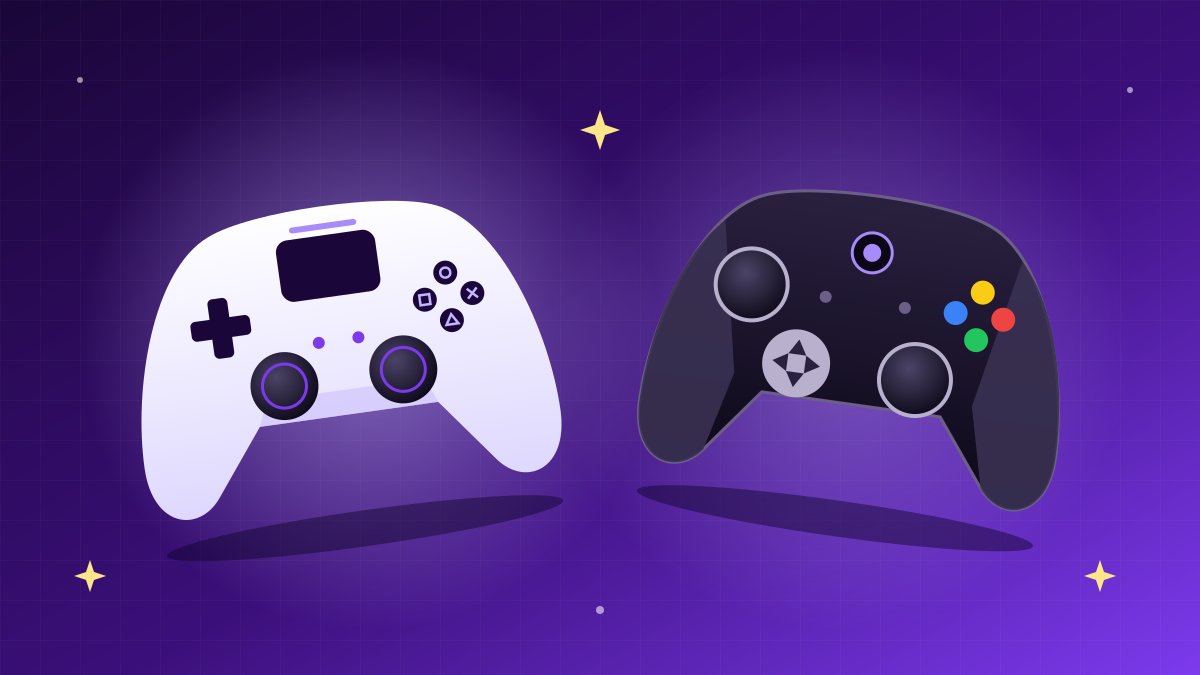
The DualSense Edge keeps the shape of the standard DualSense, so PS5 owners feel at home immediately. It adds matte grips, Fn buttons for quick profile switching and a braided USB-C cable with a connector lock. The Xbox Elite Series 2 is noticeably heavier, feels more solid and has rubberised grips across the lower half of the shell. Many players with larger hands find the Elite more comfortable, while those used to PlayStation's symmetrical stick layout will naturally lean towards the Edge.
Customisation: Buttons, Triggers and Sticks
| Feature | DualSense Edge | Xbox Elite Series 2 |
|---|---|---|
| Back buttons | 2 swappable (half-dome and lever) | 4 swappable paddles |
| Trigger stops | 3 positions on each trigger | 3 positions on each trigger |
| Thumbsticks | Fully replaceable modules + 3 cap types | Adjustable tension + swappable sticks |
| Profiles | Multiple profiles, switched with the Fn button | 3 custom profiles + default |
| Special features | Adaptive triggers and haptic feedback | Swappable D-pad, charging dock in the case |
| Battery life | Noticeably shorter than the standard DualSense | Up to 40 hours |
| Platforms | PS5, PC | Xbox Series X|S, Xbox One, PC, mobile devices |
The Edge's strength is its replaceable stick modules: if drift appears, you can swap the module yourself in a minute without sending the controller in for repair. The Elite's strengths are its four back paddles and adjustable stick tension, which allows finer aim tuning.
Competitive Play
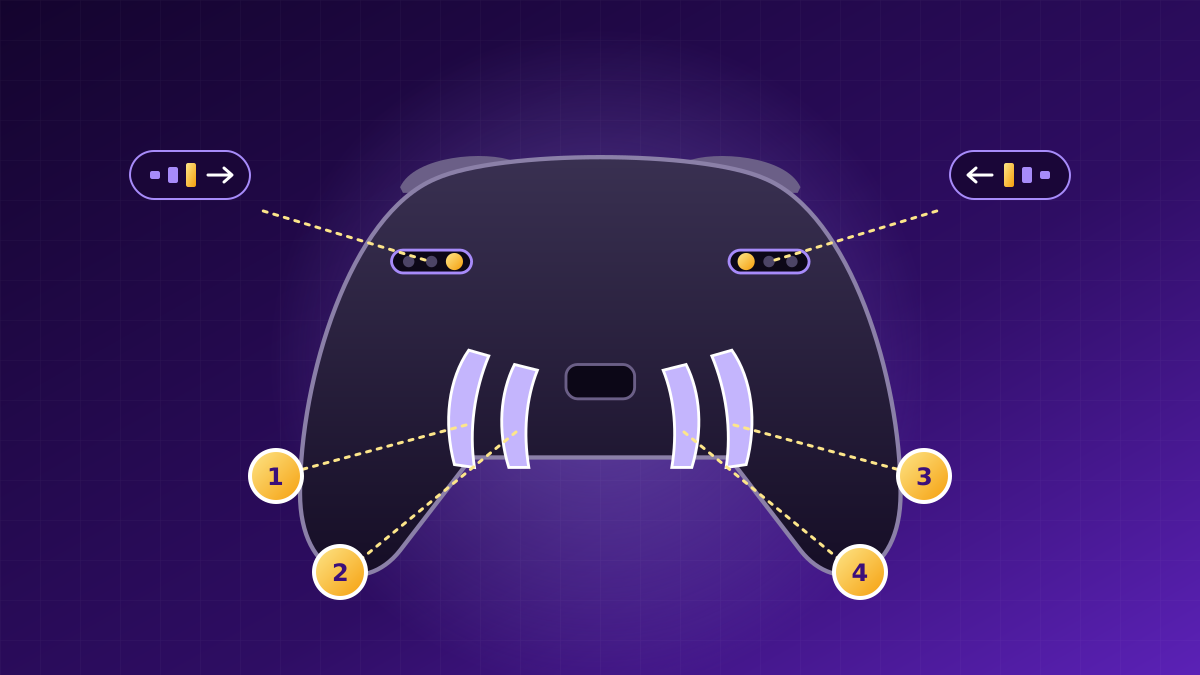
In shooters such as Call of Duty, Apex Legends or Fortnite, back buttons are decisive: you can jump, slide or reload without lifting your thumb from the right stick. Here the Elite Series 2 has the edge, with four paddles versus two. Short trigger travel speeds up firing on both controllers, and stick dead-zone tuning is available on both. If you play on PC or Xbox, the Elite is the more versatile competitive tool.
For PS5 owners, the DualSense Edge is the only official pro controller with full support for the console's features. Two back buttons are enough for most players, and saving separate profiles for each game is a real time-saver.
Everyday Gaming
In single-player games, immersion and battery life take centre stage. The Edge keeps the DualSense's adaptive triggers and advanced haptics, which make story-driven PS5 games noticeably more atmospheric. However, its battery drains faster, so during long sessions you will often keep it plugged in. The Elite Series 2 wins in this scenario thanks to up to 40 hours of play and convenient charging right in the case.
Durability and Maintenance
Both controllers have known weak spots. Elite Series 2 owners report wear on the rubber grips and bumpers, while the Edge, like other controllers, can develop stick drift over time. The key difference is that the Edge's problem part can be replaced at home by buying a new module, whereas the Elite more often needs warranty service.
Verdict
- Choose the DualSense Edge if your main platform is PS5, you value haptic feedback and adaptive triggers and want easy stick maintenance.
- Choose the Xbox Elite Series 2 if you play on Xbox or PC, compete in ranked matches and want four back buttons and long battery life.
Both controllers are the best in their class. The right choice comes down not to abstract "power" but to the platform you play on and the genres you prefer.